1.
Goal
This lesson introduces event-driven Blueprint logic. You place a Trigger Box, listen for overlap, and confirm the result with a visible message.
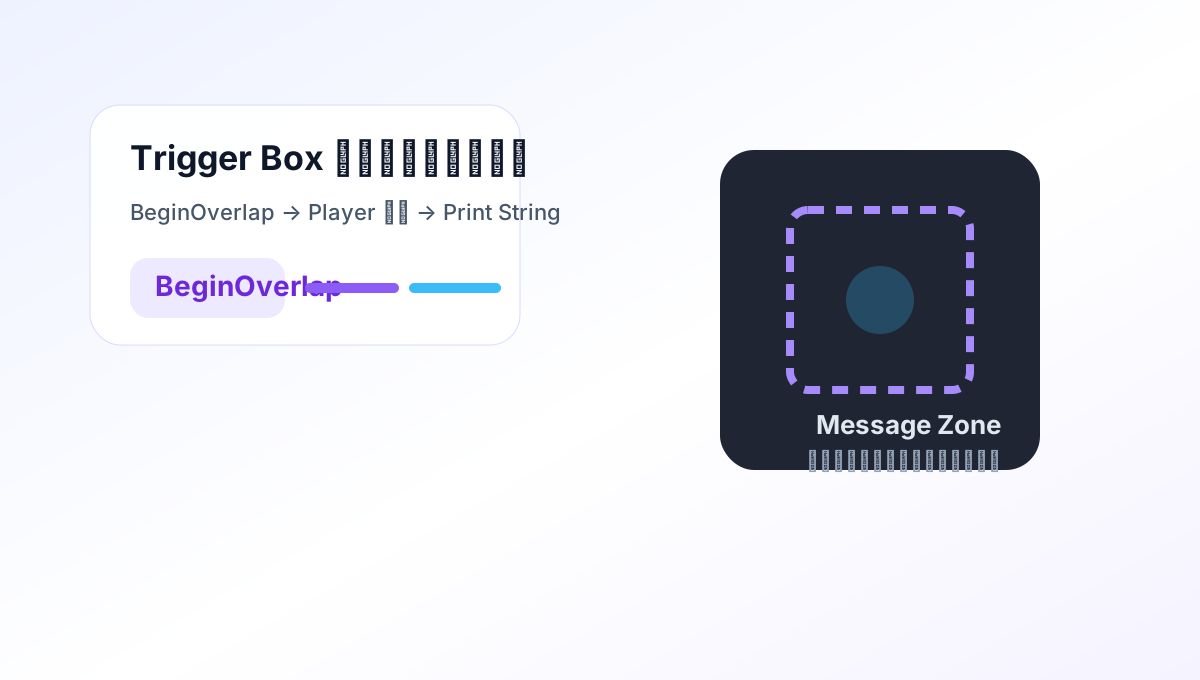
Use BeginOverlap in Blueprint to display a beginner-friendly message when the player reaches an area.


Lesson Overview
This lesson introduces event-driven Blueprint logic. You place a Trigger Box, listen for overlap, and confirm the result with a visible message.
20-30 min / Beginner. Keep the first pass small, then change one thing on your own.
Walking into the area always triggers the event.
Before You Start
The lesson is easiest to follow when you know what should happen on screen, which control or editor action triggers it, and what counts as done.
This lesson introduces event-driven Blueprint logic. You place a Trigger Box, listen for overlap, and confirm the result with a visible message.
Understand how a Trigger Box works as an overlap volume in the level.
Walking into the area always triggers the event.
Trigger-based events are one of the clearest introductions to Unreal Blueprint logic because they make the event-driven nature of the engine easy to feel. Instead of writing a loop that constantly checks position, you place a volume in the level and let the engine notify you when something enters it.
This pattern appears everywhere in real projects: doors opening, checkpoints activating, tutorials appearing, music changing, quests updating, or cutscenes starting. Learning it with a simple visible message keeps the lesson small while still teaching a very reusable piece of level scripting.
Trigger Box
  -> OnActorBeginOverlap
  -> Check actor is player
-> Print String or show a widgetThis often means the trigger is too large or placed where the player touches it earlier than expected. Before changing Blueprint logic, inspect the actual trigger volume in the level.
Overlap events may react to many actors unless you filter them. If enemies, dropped items, or other actors can enter the volume, branch the logic so only the player path continues.
Collision settings are a frequent culprit in Unreal overlap problems. Confirm that the trigger is set to overlap the player's collision type and that the player can actually generate overlap events there.
Because the trigger is clearer, cheaper, and more maintainable for area-based events. Unreal already understands overlap volumes, so using them keeps the logic more level-friendly.
For tiny learning examples, either can work. In larger projects, reusable Actor Blueprints are often easier to maintain because the logic travels with the trigger behavior.
Yes, and that is one of the best next steps. Print String proves the event works; a widget turns it into something closer to real game feedback.
Yes. The same overlap concept can trigger save points, objective updates, camera events, ambient sound shifts, and many other level-driven moments.

