Quick Start
Chhote working version se shuru karein
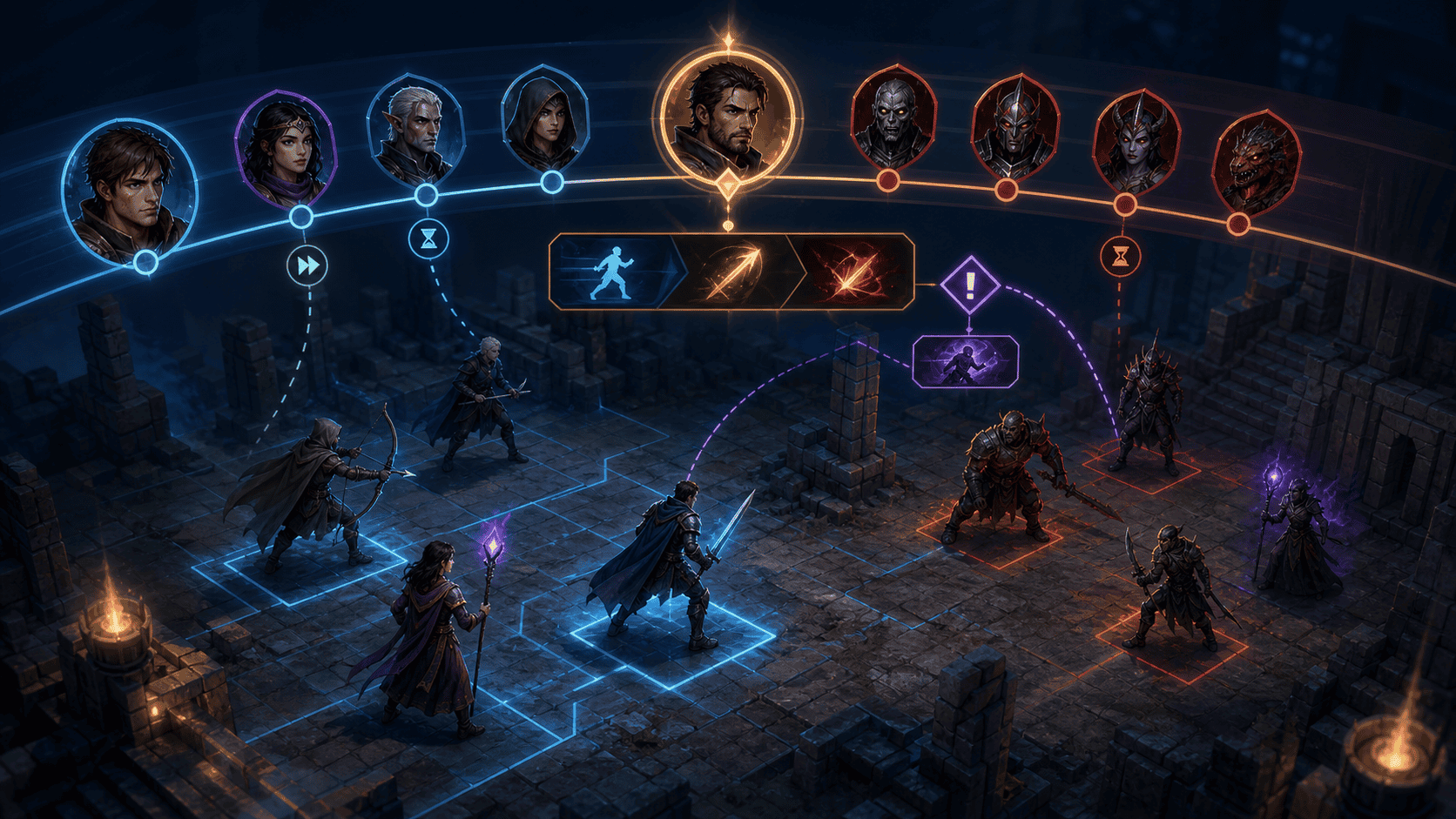
Initiative timeline, interrupt aur queue change ko samajhne layak banane wali battle UI मार्गदर्शिका. इस विषय को समझने का अच्छा तरीका सब कुछ एक साथ याद करना नहीं है। पहले यह देखें कि किस चीज पर ध्यान देना है, कौन सा छोटा प्रयोग करना है, और सही परिणाम कैसा दिखेगा।
Chhote code parts jodiye
1. 値を用意する
Inspectorで変更できる値と表示先を置きます。
csharp
    [SerializeField] private TextMeshProUGUI statusText;
    [SerializeField] private float turnIndex = 1f;
    [SerializeField] private float queueLength = 2f;
[SerializeField] private float actionCost = 3f;2. 状態を変える
ボタンを押した時に、1つだけ状態を進めます。
csharp
    public void NextStep()
    {
        step = (step + 1) % 3;
        var label = step == 0 ? "順番を並べる" : step == 1 ? "行動を予約" : "次の番を進める";
        if (statusText != null)
        {
            statusText.text = $"{label}\nturnIndex={turnIndex:0.##}\nqueueLength={queueLength:0.##}\nactionCost={actionCost:0.##}";
}3. 画面に表示する
変わった結果を画面に出して確認します。
csharp
        if (statusText != null)
        {
            statusText.text = $"{label}\nturnIndex={turnIndex:0.##}\nqueueLength={queueLength:0.##}\nactionCost={actionCost:0.##}";
        }
        Debug.Log($"ターン順と行動キュー: {label}");
Complete script
csharp
using UnityEngine;
using TMPro;

public class TurnQueueTutorial : MonoBehaviour
{
    [SerializeField] private TextMeshProUGUI statusText;
    [SerializeField] private float turnIndex = 1f;
    [SerializeField] private float queueLength = 2f;
    [SerializeField] private float actionCost = 3f;

    private int step;

    public void NextStep()
    {
        step = (step + 1) % 3;
        var label = step == 0 ? "順番を並べる" : step == 1 ? "行動を予約" : "次の番を進める";
        if (statusText != null)
        {
            statusText.text = $"{label}\nturnIndex={turnIndex:0.##}\nqueueLength={queueLength:0.##}\nactionCost={actionCost:0.##}";
        }
        Debug.Log($"ターン順と行動キュー: {label}");
    }
}Inspector
Inspector mein UI reference connect karke button se har change check kijiye.
सारांश
क्या याद रखना है
Initiative timeline, interrupt aur queue change ko samajhne layak banane wali battle UI मार्गदर्शिका.
आगे क्या पढ़ें
ARTहिंदी लेखकार्यप्रवाह, डिजाइन और इंजन-विशेष सीखने के रास्तों पर शुरुआती पाठकों के लिए उपयोगी लेख और ट्यूटोरियल देखें।CMPइंजन तुलना मार्गदर्शिकाUnity, Unreal Engine, Roblox और Godot की हिंदी में तुलना करें। पहले समग्र दृष्टिकोण देखें, फिर जरूरत वाली तुलना खोलें।HOMEगेम इंजन सीखने की मार्गदर्शिकाUnity, Unreal Engine, Roblox और Godot के लिए हिंदी में ट्यूटोरियल, तुलना, शब्दावली और चुनी हुई खबरों से शुरुआत करें।
संबंधित मार्गदर्शिकाएं
SYSAggro aur threat indicator UI मार्गदर्शिकाEnemy kis ko target kar raha hai aur turant kaunsa danger महत्वपूर्ण hai, ise saaf dikhane ki व्यावहारिक मार्गदर्शिका.MAPCapture बिंदु, overtime aur score visibility मार्गदर्शिकाOwnership, capture प्रगति aur overtime rules ko पढ़ने योग्य banane ki व्यावहारिक competitive UI मार्गदर्शिका.